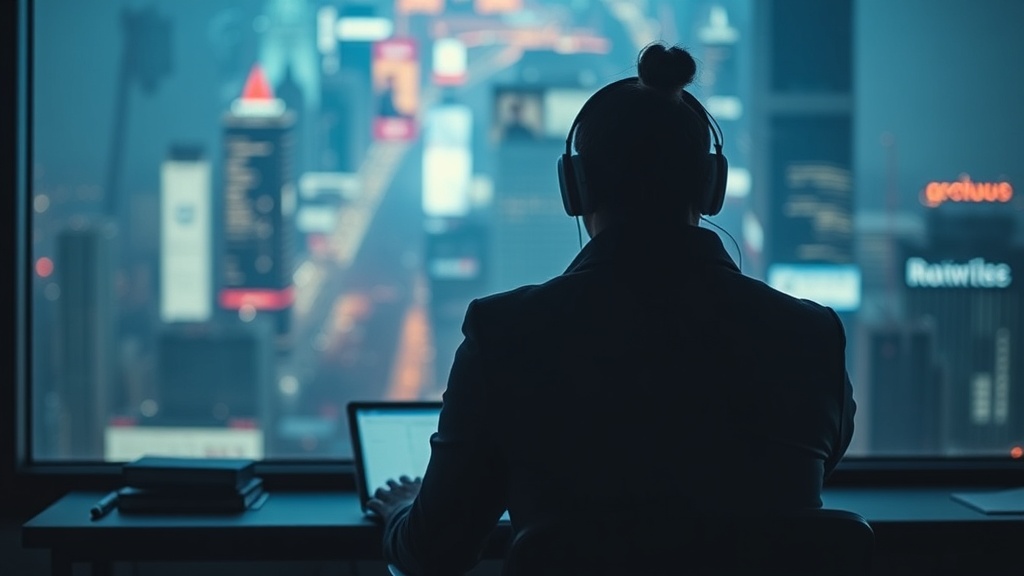
Kill the 'Always On' Culture: Setting Digital Boundaries for Deep Work

Quick Tip
Protect your deep work by scheduling specific windows where all notifications are strictly disabled.
The Myth of Constant Availability
Many professionals believe that being "always on"—responding to Slack messages within seconds or answering emails at 9:00 PM—is a hallmark of high performance. In reality, this habit is a productivity killer. Constant digital interruptions fragment your cognitive load, preventing you from entering a state of "deep work." When you are perpetually reacting to notifications, you are merely performing shallow tasks rather than executing high-value strategic thinking.
Implement Digital Guardrails
To reclaim your focus, you must move beyond vague intentions and implement specific technical boundaries. High-performers do not rely on willpower; they rely on systems. Start by configuring your digital environment to protect your most valuable hours.
- Use Focus Modes: On macOS or iOS, utilize the Focus feature to automatically silence all non-essential notifications during your peak productivity hours (e.g., 9:00 AM to 11:00 AM).
- Batch Your Communication: Instead of checking Outlook every ten minutes, schedule three 20-minute windows per day for email. Use the Snooze function in Gmail to clear your inbox of items that do not require immediate action.
- Signal Your Status: Use your Slack or Microsoft Teams status to communicate availability. A status like "Deep Work: Back at 2:00 PM" sets clear expectations and reduces the anxiety of perceived unresponsiveness.
The Architecture of Deep Work
Deep work requires more than just turning off your phone; it requires a dedicated workflow. Consider building a personal productivity system that prioritizes long-term output over short-term reactivity. When you structure your day around cognitive output rather than message volume, you shift from being a "responder" to a "creator."
"True professional value is found in the ability to solve complex problems, not in the speed at which you type a reply to a non-urgent notification."
Practical Steps for Today
- The 20-Minute Rule: Commit to one 20-minute block of uninterrupted work today with your phone in another room or inside a desk drawer.
- Audit Your Notifications: Go into your smartphone settings and disable "Push" notifications for all social media and non-essential news apps.
- Define Your "Hard Stop": Choose a specific time—such as 6:30 PM—when you close your laptop and disable work-related notifications on your mobile device.